Advanced Viewer Experience | Sendpaper

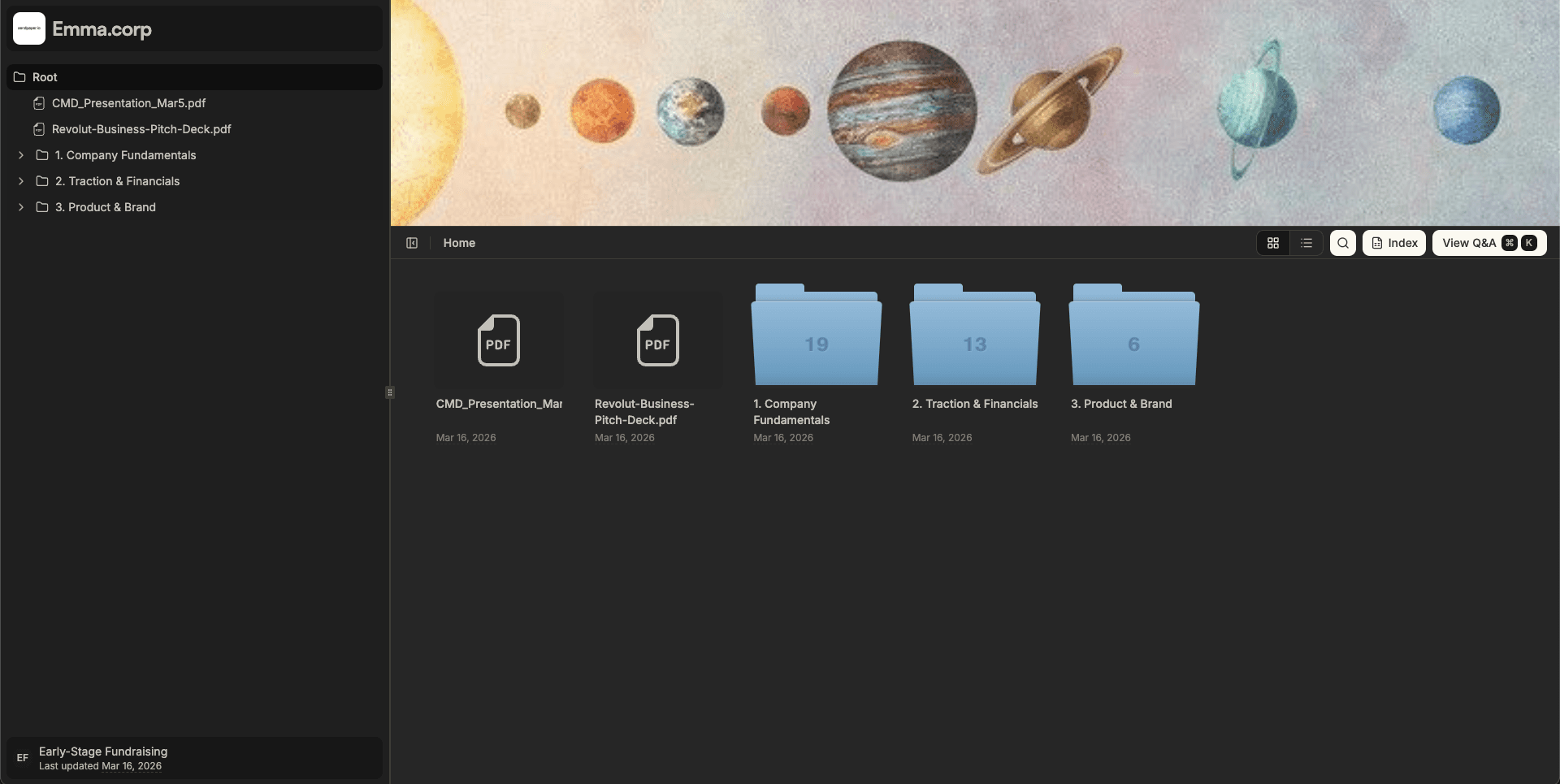
When you send a deck, data room, or contract, the other side should be able to read without fighting the tool. Slow load times, tiny text, no search, and "download to view" are still common. The Sendpaper viewer is built so recipients get a smooth, predictable experience in the browser: scroll and zoom, in-document search without download rights, fullscreen, and one place for PDFs, Office files, images, and media. No plugins, no installation, on desktop and mobile.
Why Viewer Experience Matters
Recipients judge your materials by how easy they are to read. If the viewer is clunky or forces a download, they focus on the tool instead of your content. For due diligence, fundraising, or board packs that adds up: investors and buyers open many documents; a poor viewer slows everyone and can make you look less prepared. A good viewer keeps focus on the content, works on laptop and phone, and keeps access control (no "email the PDF to everyone" for an acceptable experience).
What You Get: One Viewer for All Content
Sendpaper data room and document links use a single viewer that adapts to file type and device.
- PDFs - Smooth continuous scroll for wide decks and spreadsheets, or single-page mode for long documents. Zoom with pinch or Ctrl/Cmd + scroll; pan when zoomed. Fullscreen for focused reading. In-document search (when enabled), no download needed.
- Office files - Word, Excel, and PowerPoint open in the browser. Same secure link and access rules; no "please download and open in Office."
- Images - Zoom and pan so high-res images and diagrams stay readable.
- Video and audio - Playback in the viewer with configurable media player settings per link.
- Notion - Notion links stay in sync; everyone sees the latest version in one place.
Layout: clear, your brand, the document, simple controls. No extra toolbar clutter. On mobile, navigation adapts (e.g. vertical page nav).
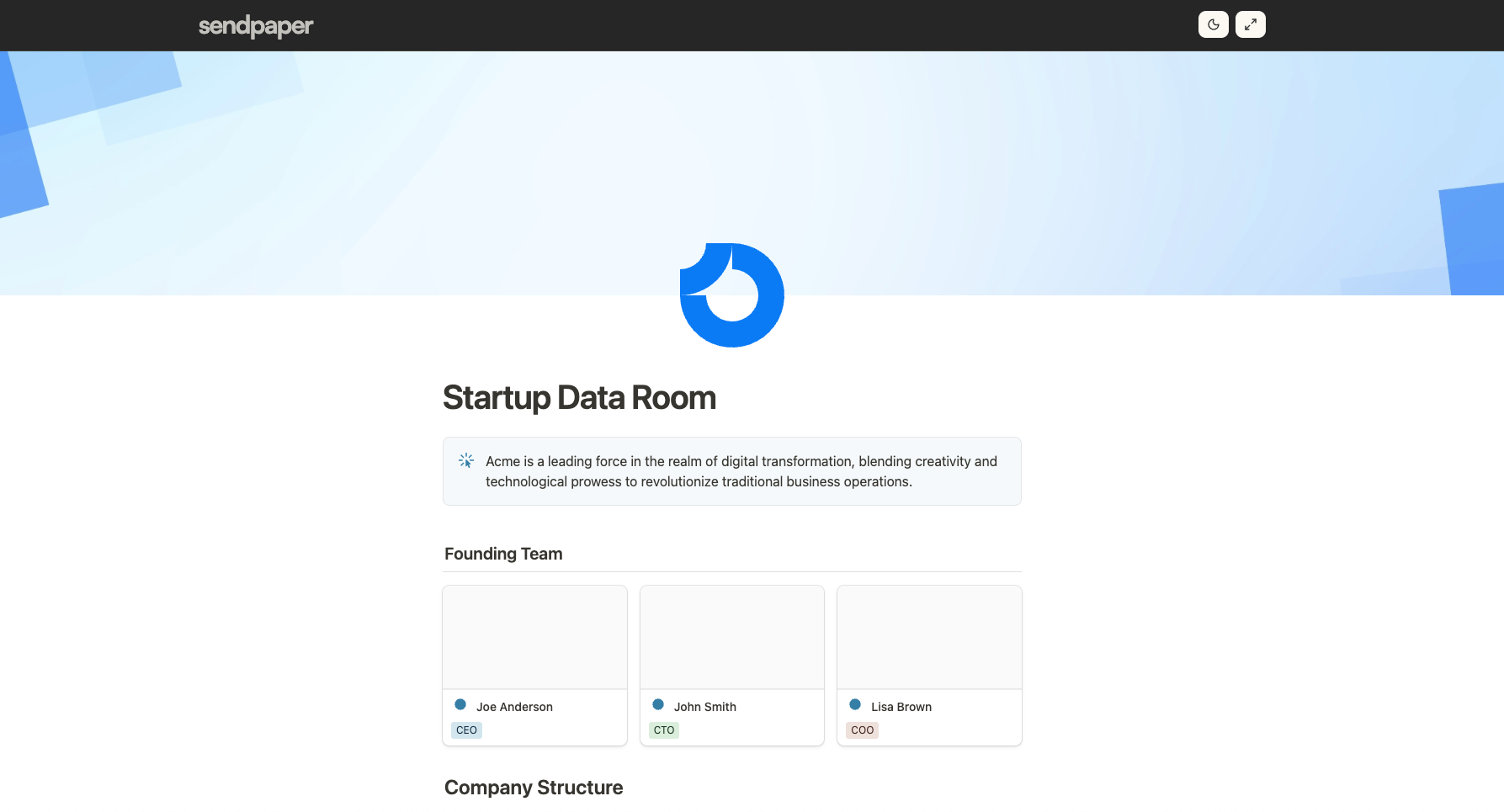
Modes, Zoom, and Search
View modes for PDFs: Wide documents (pitch decks, financial models) work best in scroll mode so the whole document flows vertically. Long documents (contracts) in single-page mode with clear prev/next controls.
Zoom and pan: Zoom with keyboard or pinch on touch devices. Pan when zoomed. Zoom "out" (whole page scales), layout stays readable, text stays sharp. All in the browser, no plugin.
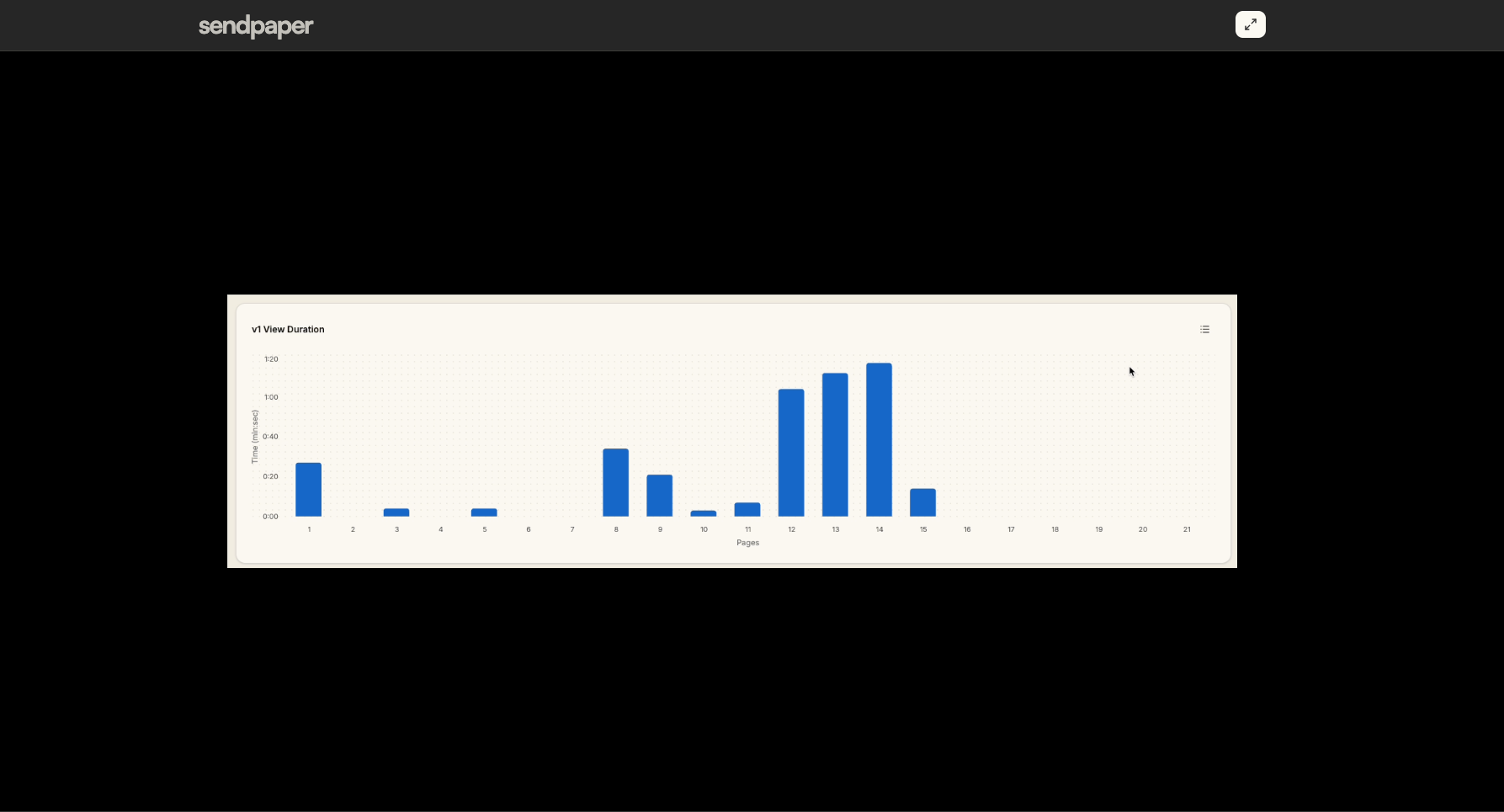
In-document search (when enabled): Viewers search inside the document directly in the viewer and jump to matches. Useful for long contracts, due diligence packs, or board books. Search without download rights. The short video below shows in-document search and page-level analytics in the viewer.
Fullscreen and keyboard shortcuts: Fullscreen for focused reading. Common shortcuts (zoom, open search, next/prev page) for power users. All in the browser; access control (password, expiry, allow/block list) stays active.
Same Experience in Data Rooms
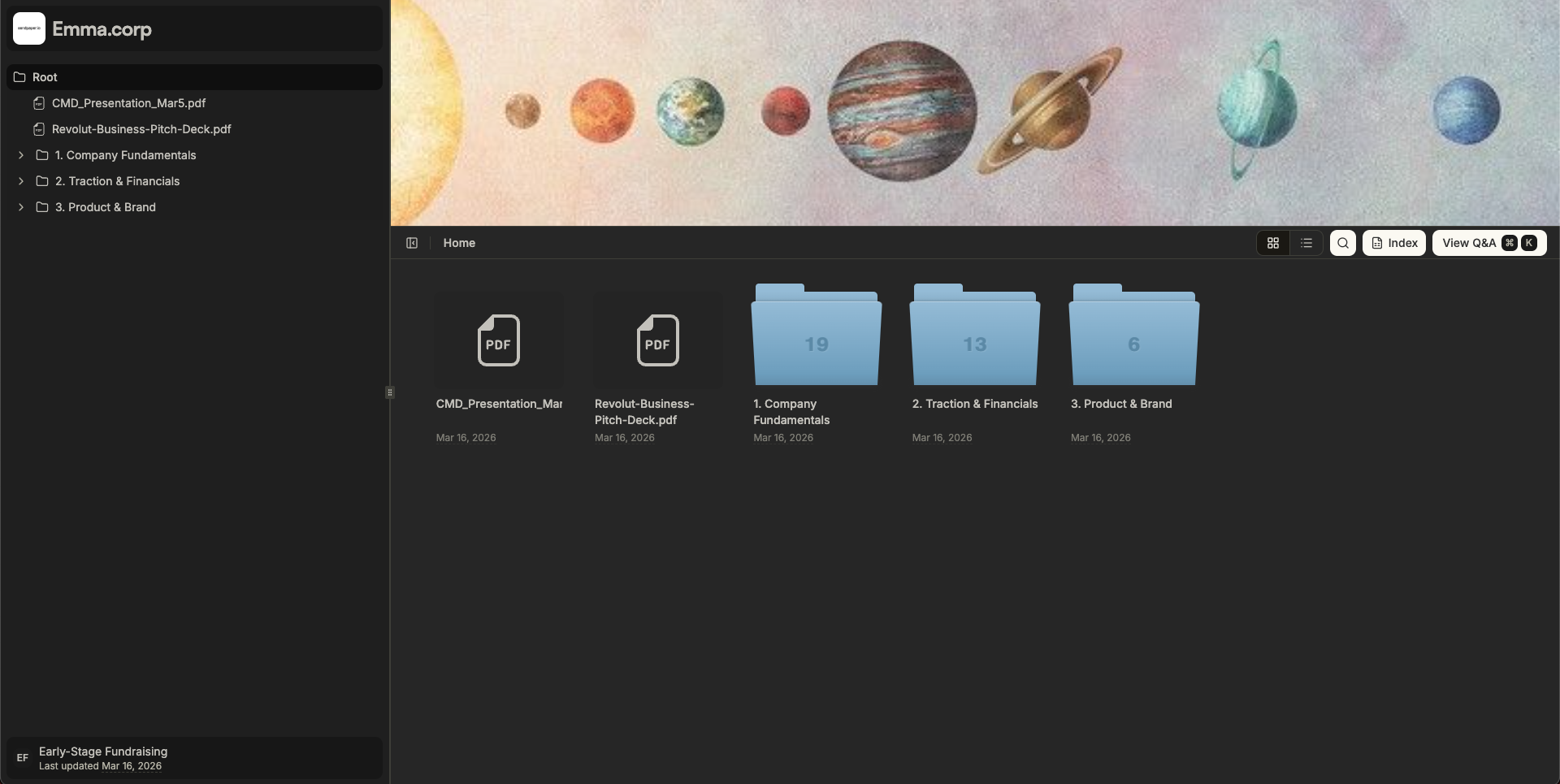
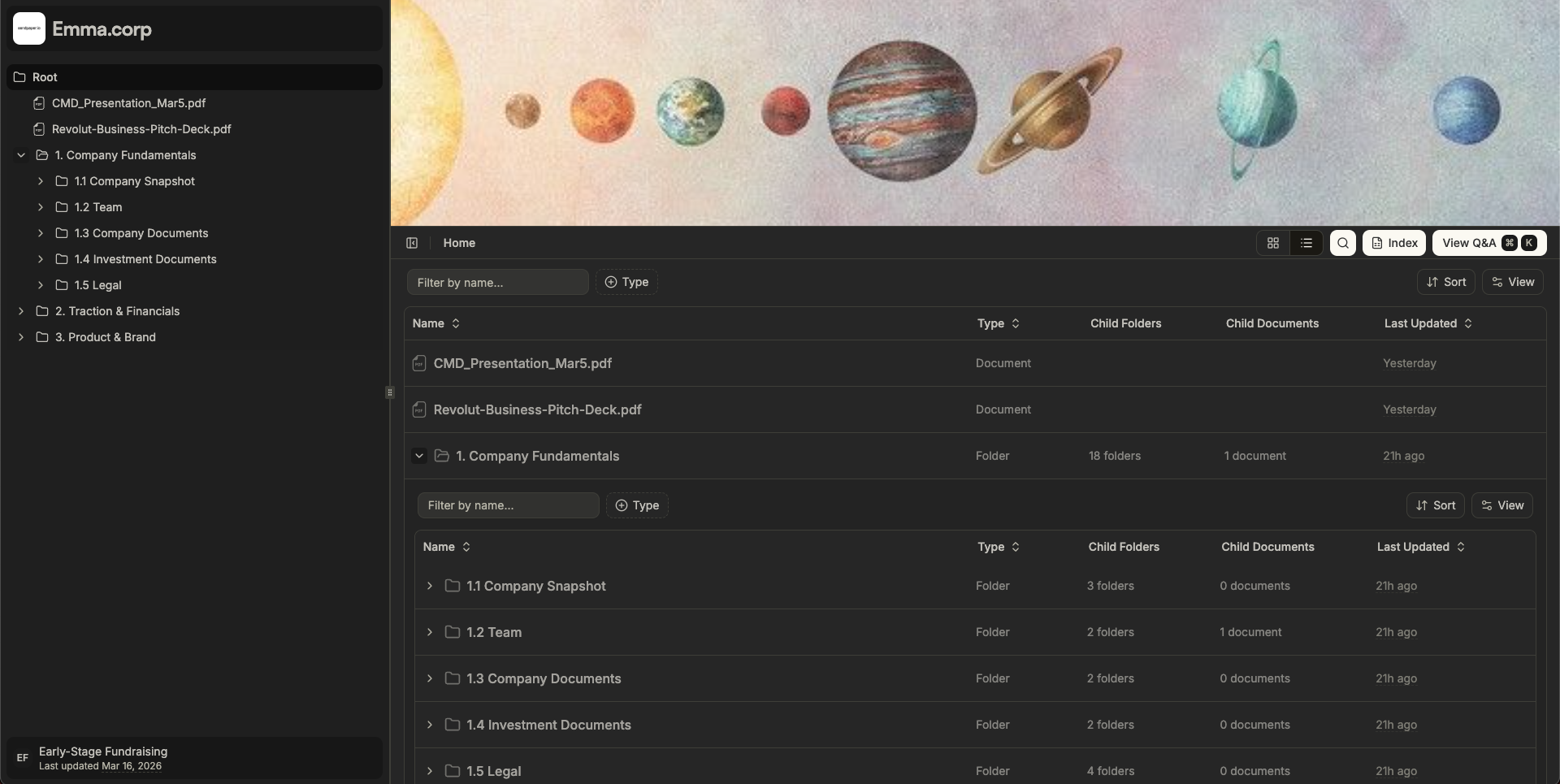
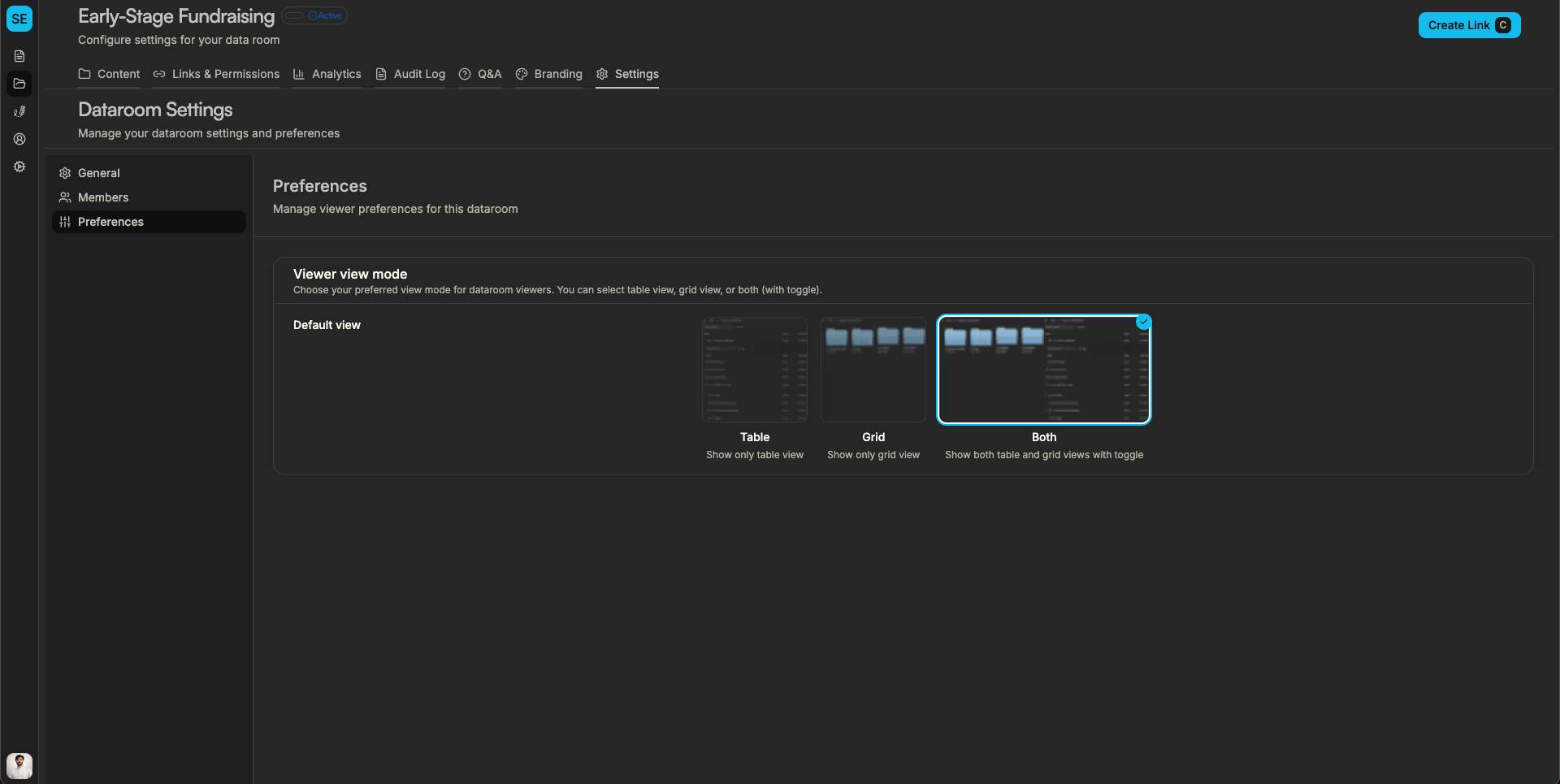
In a virtual data room, every file opens in the same viewer. An investor or buyer gets a consistent experience: same zoom, same scroll behavior, same search (when enabled), same fullscreen and shortcuts. No switching between "PDF tool A" and "Excel viewer B" - everything in your room and your brand.
Use Cases
- Fundraising - Founders share deck and data room. Investors open the link on laptop or phone, scroll smoothly through the deck, and use search for metrics or terms. No "please download the PDF."
- M&A and due diligence - Buyers and advisors open many documents in a short time. A predictable viewer (scroll, zoom, search) lets them work quickly and return to specific sections.
- Board and leadership - Board books and packs are often long. Scroll mode and in-document search help find the right spot without leaving the viewer.
- Sales and proposals - Proposals and one-pagers open in the same viewer as your data room. Unified experience for one file or a full room.
How It Fits With Sendpaper
- Access control - The viewer respects link settings: password, expiry, allow/block list, download on/off.
- Analytics - Who viewed what; in data rooms room analytics and audit logs.
- Search - In-document search is an optional feature per link or room.
- Media - Media player settings (e.g. pause when muted, no fast-forward) for video and audio in the same viewer.
Frequently Asked Questions
Related posts
- Product, GuidesData Room Groups: One Place for Permissions and Analytics | SendpaperUse data room groups in Sendpaper to manage permissions and analytics for investors, buyers, and teams. Create a group once, reuse it on links, and see group-level activity without spreadsheets.
- Product, GuidesHow Sendpaper renders files as images in the viewer (and why it matters) | SendpaperLearn how Sendpaper converts uploaded PDFs into page images for a fast, consistent viewer. We cover what formats can be shown, what processing means, and why a loader appears.
- Product, SecuritySecure PDF Document Sharing: Watermarking, Screenshot Protection, View-Only | SendpaperShare PDFs securely with watermarking, screenshot protection, view-only, and one-click agreement. Password and access control in Share Link and Access Control. One sidebar, all options.