
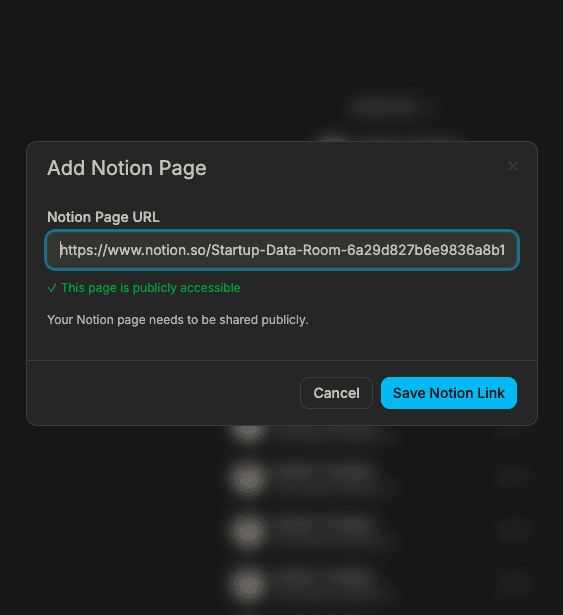
1. Add your Notion link and create a share link
- Paste your Notion page link and create a shareable Sendpaper link.
- Choose a custom domain so the link matches your brand.
- Set view-only or allow downloads, password, and expiry before sharing.
Share Notion links that stay in sync. Everyone sees the latest.
Share a link to your Notion page and control who views it. When you update Notion, the link shows the latest version. Track who opened the link and how long they spent.
Add your Notion link, create a share link (and optional custom domain), then share. We track analytics so you see who viewed and when.
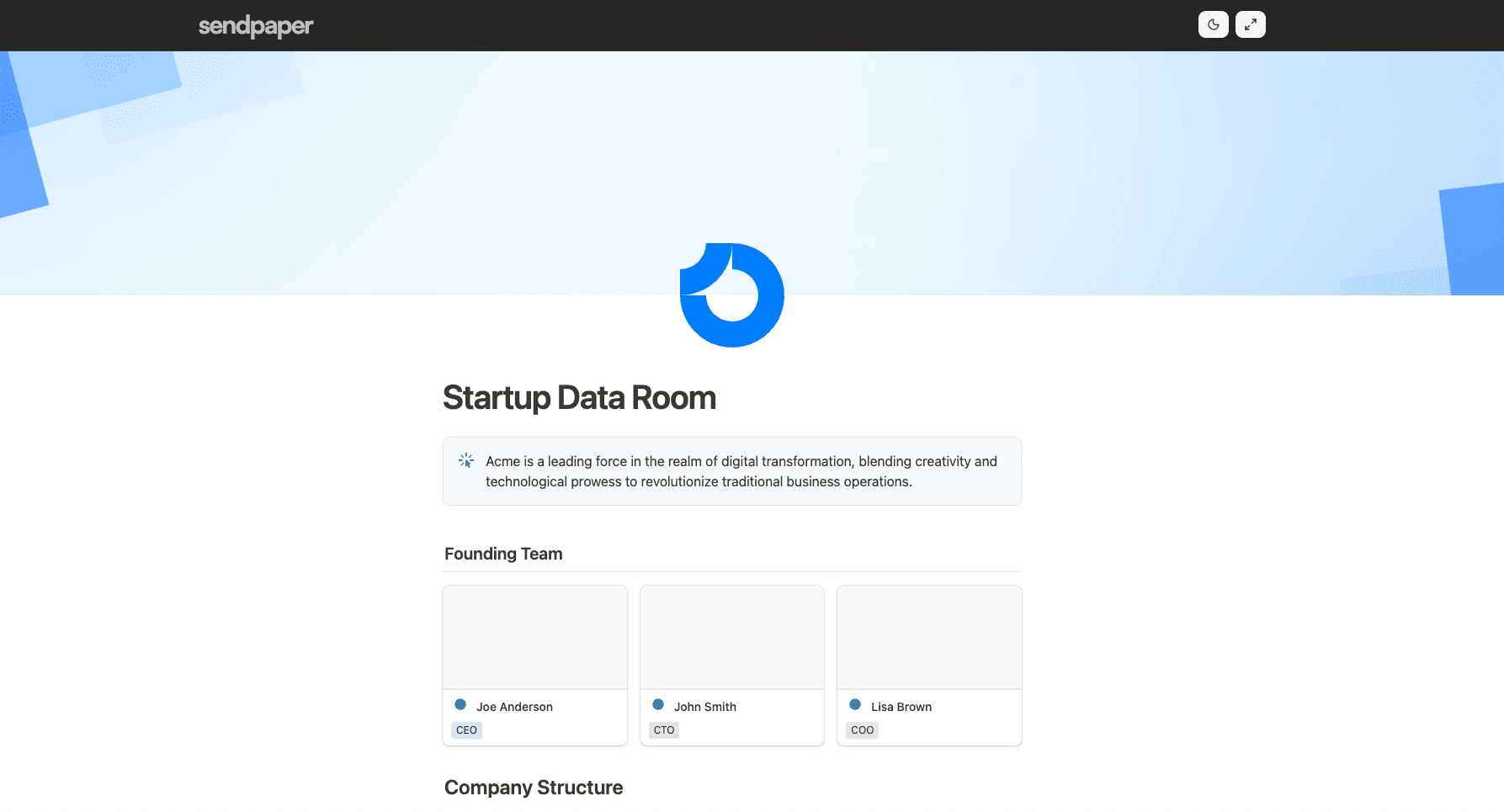
One link points to the latest Notion content. No re-exporting or re-sending when you update. Investors and partners always see the newest version.
Passwords, expiry, view-only mode, and email verification keep your Notion content in the right hands. Revoke access anytime.
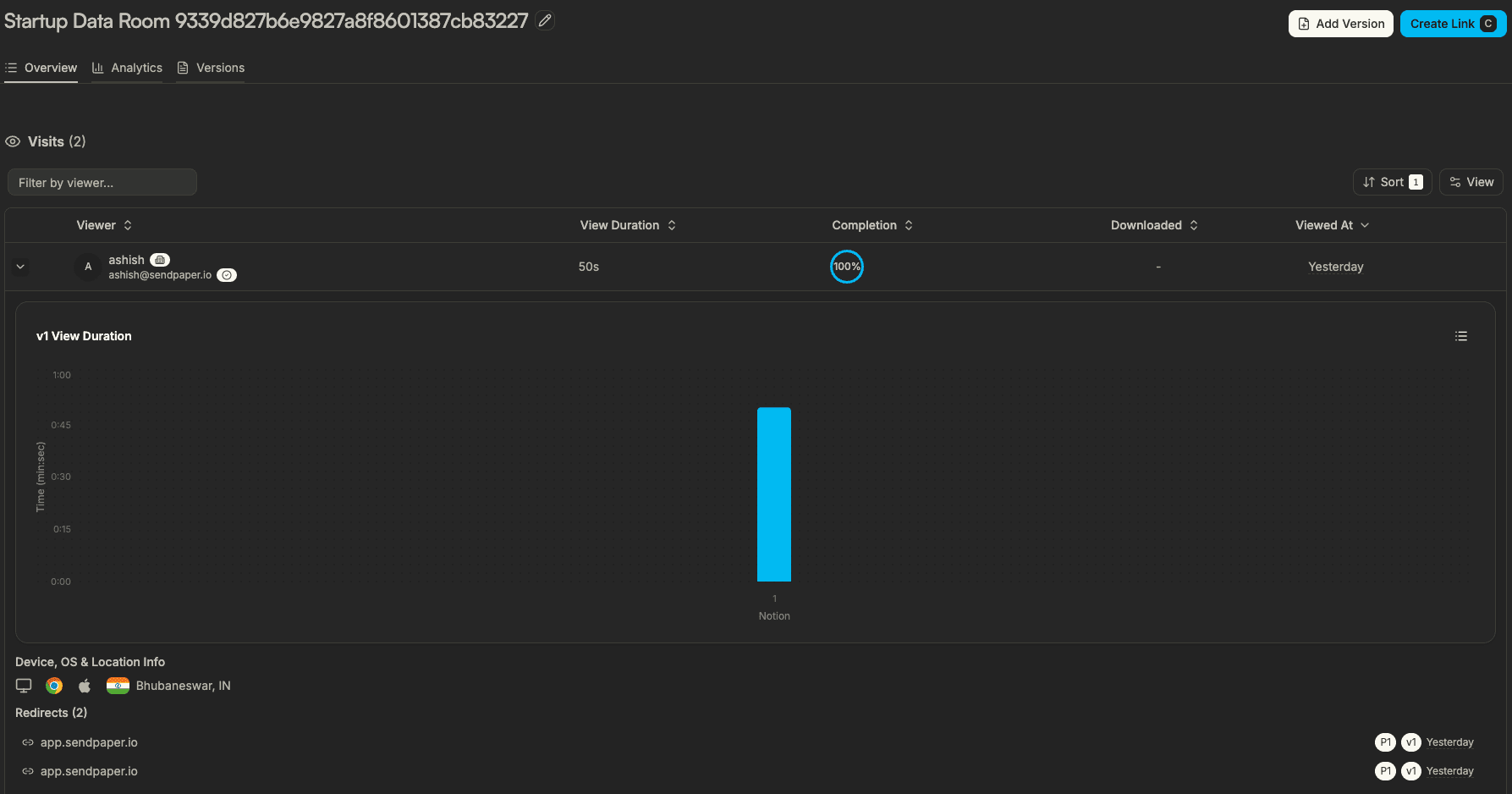
See who opened your link and how long they spent. Follow up with confidence and know when to send a reminder.
Related solutions and product pages
You connect your Notion page to Sendpaper and create a shareable link. Viewers open that link to see your Notion content in a secure viewer. When you edit the page in Notion, the shared link shows the updated content so everyone always sees the latest version.
Yes. You can require a password, restrict access by email, set an expiry date, and choose whether viewers can download or only view. Each link can have different settings so you can share the same Notion page with different parties under different rules.
No. Recipients open your link in the browser and see the content without signing in to Notion. You keep control over access and analytics without asking viewers to create accounts.
Yes. You see when the link was opened, how long viewers spent, and optionally which sections they viewed. That helps you follow up with investors and partners at the right time.
Share Notion links with control and visibility.