
Track document views, time per page, and engagement.

Document analytics: see how your shared docs are read.

Page-by-page views, read time, and completion. Know when links are opened and which sections get attention. For proposals, data rooms, and fundraising.

No credit card required.

Document analytics preview

What you get with document analytics.

01 feature folder

Geographic

See where viewers are located. Country and region in your dashboard.

02 feature folder

Device

Device type, OS, and browser. Know how your docs are being read.

03 feature folder

Real time

When links are opened and viewed. Live updates in the dashboard.

04 feature folder

Viewer insights

Who viewed, when, and how long. Per-link and per-document in the app.

05 feature folder

Page-by-page

Time per page and which sections got attention. Where readers dropped off.

06 feature folder

Completion

Reading completion per link. In data rooms, audit logs and room-level stats.

How document analytics works

Upload documents, create a per-document or data room link, add protection and optional custom domain, then share. Recipients open the link in the secure viewer. Your dashboard shows when links were opened, time per page, and engagement.

1. Upload documents, create a link, and add protection

  • Upload documents to a per-document link or to a data room. Create the link you need (one doc or a full room).
  • Add protection: password, expiry, watermarking, screenshot protection, view-only, and more. Optionally set a custom domain so the link is personalized and on-brand.
  • Same flow whether you share a single document or a full data room.
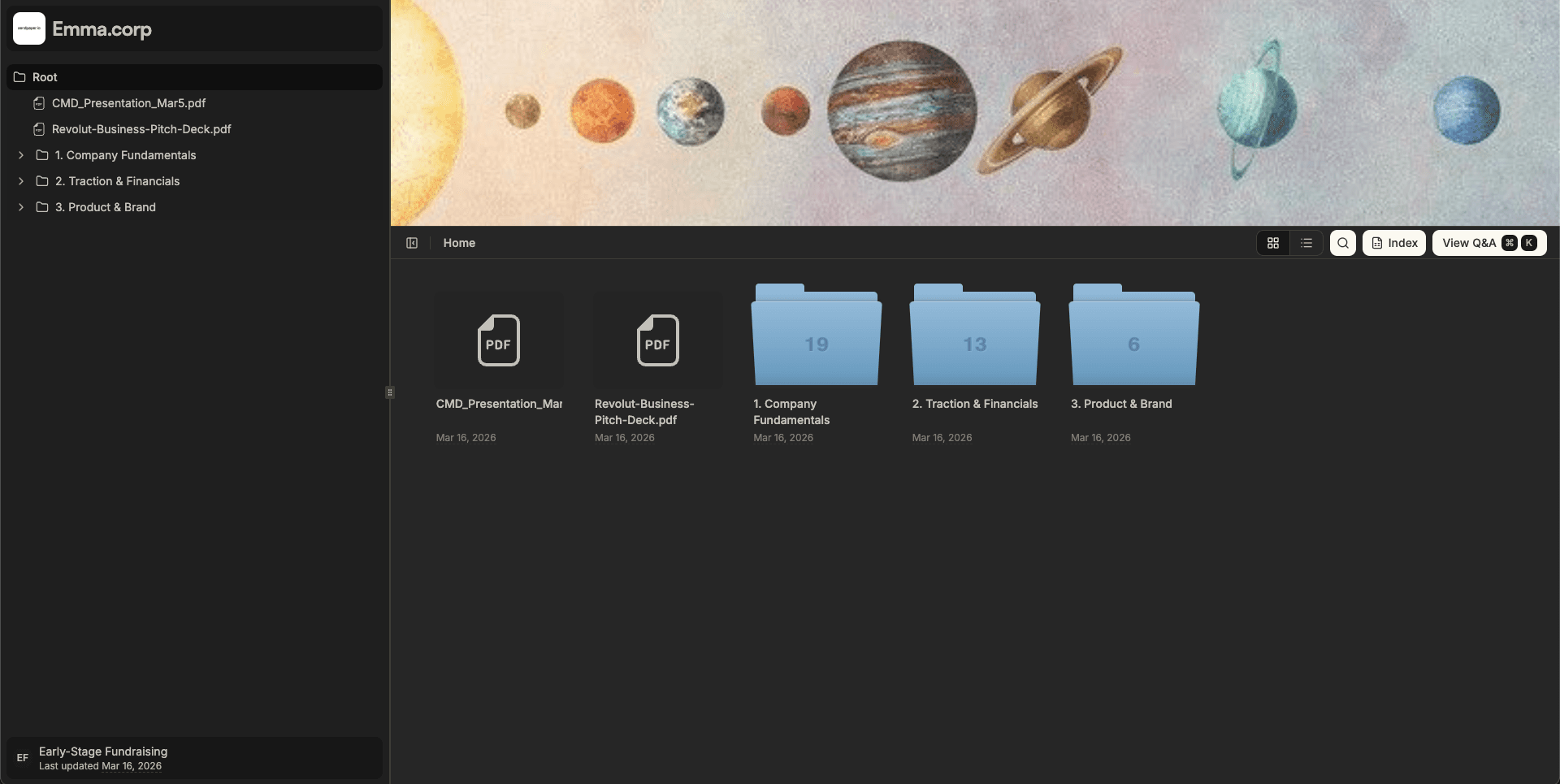
Share link and access control guide

Secure data room grid view

2. Share the link; recipients open it in the secure viewer

  • Share your link. Recipients open it in the browser and read in the secure viewer. No app or download required.
  • We track when the link was opened, time spent per page, and which sections got attention.
  • Analytics work for every shared link, per-document or data room.

3. See document analytics in your dashboard

  • Your dashboard shows when each link was opened, time spent per page, reading completion, and which sections got the most attention.
  • Page-by-page read time and engagement help you time follow-ups and improve content.
  • Single links and data rooms both get full analytics; data rooms also get audit logs.

See document analytics in action

sendpaper.io

Ready to track document views and engagement?

Benefits of document analytics

Views, time per page, completion

See when links were opened, how long each page was viewed, and where readers dropped off. Use engagement signals to time follow-ups and improve content.

Page-by-page analytics

Per-page read time and engagement show which sections held attention. Optimize pitch decks, data rooms, and long-form docs with real usage data.

Works with data rooms

Documents in a data room get the same analytics plus room-level audit logs. One place for full visibility in due diligence and compliance.

Frequently Asked Questions

What document analytics do I get?

You get total views, when the link was opened, time spent per page, and which sections got the most attention. Per-document and per-link breakdowns plus, in data rooms, full audit logs and room-level reporting.

Do I get page-by-page analytics?

Yes. You get per-page read time and engagement so you see which sections held attention and where readers dropped off. Use this to improve follow-ups and content for pitch decks and data rooms.

Can I use document analytics in a data room?

Yes. Documents in a data room are tracked the same way. You get per-document and per-page analytics plus room-level audit logs and reports for due diligence and compliance.

How do I track when a document is opened?

Upload documents, create a per-document or data room link, add protection (password, expiry, watermark, etc.) and optional custom domain, then share the link. We track opens, views, and engagement automatically. Your dashboard shows when each link was opened and how it was consumed.

Get early access

Track document views, engagement, and time per page.