File Types: PDF, Office, Video, Images, and More

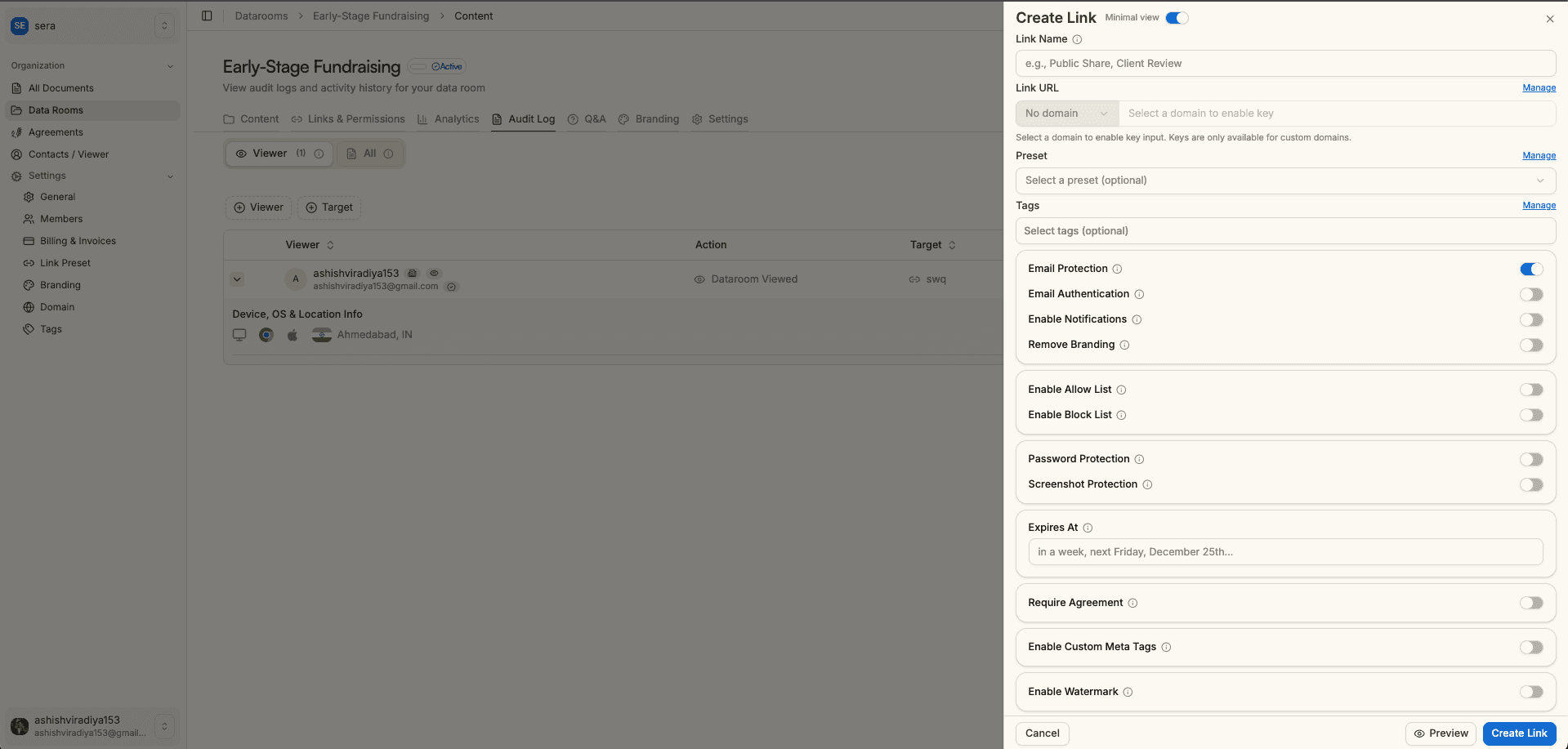
When you share documents via a link, the first question is often: what file types can I upload? Sendpaper supports PDFs, Microsoft Office and OpenDocument formats, spreadsheets, presentations, images, video, and more. This page matches the logic in the product: the tables below show exactly which formats are supported, which you can view in the browser, and how support varies by plan.
File types and extensions (reference)
Use this table to see exact extensions and whether each category is viewable in the browser or download-only.
| Category | Extensions | In-browser preview? |
|---|---|---|
| Documents | PDF, DOC, DOCX, ODT, RTF, TXT | PDF, DOC, DOCX, ODT only |
| Spreadsheets | XLS, XLSX, XLSM, CSV, ODS | ✓ (under 20 MB) |
| Presentations | PPT, PPTX, ODP | ✓ |
| Images | PNG, JPG, JPEG | ✓ |
| CAD | DWG, DXF | ✓ |
| Video | MP4, MOV, AVI, WEBM, OGG, 3GP, ASF, DV, M2T, M4V, MKV, MPEG, RM, VOB, WMV | ✓ |
| Archives | ZIP, 7Z, RAR, TAR, TAR.GZ, GZ, BZ2, ZIPX | ✗ (download only) |
| Misc | KML, KMZ, MSG | ✗ (download only) |
| Audio | AIFF, FLAC, M4A, MP3, OGG, WAV, WMA | ✓ |
File support by plan
The table below matches the app and Pricing. Use it as a guide; see Pricing for the latest.
| File support | Free | Personal Pro | Advance | Dataroom Pro | Dataroom Advance |
|---|---|---|---|---|---|
| Documents (PDF, DOC, DOCX, ODT, RTF, TXT) | PDF only | ✓ | ✓ | ✓ | ✓ |
| Spreadsheets (XLS, XLSX, XLSM, CSV, ODS) | XLS, XLSX, CSV, ODS only | ✓ | ✓ | ✓ | ✓ |
| Presentations (PPT, PPTX, ODP) | ✗ | ✓ | ✓ | ✓ | ✓ |
| Images (PNG, JPG, JPEG) | ✓ | ✓ | ✓ | ✓ | ✓ |
| CAD (DWG, DXF) | ✗ | ✗ | ✓ | ✓ | ✓ |
| Videos (MP4, MOV, AVI, WEBM, OGG, 3GP, etc.) | ✗ | ✓ | ✓ | ✓ | ✓ |
| Archives (ZIP, 7Z, RAR, TAR, GZ, BZ2, ZIPX) - download only | ✗ | ✗ | ✓ | ✓ | ✓ |
| Misc (KML, KMZ, MSG) - download only | ✗ | ✗ | ✓ | ✓ | ✓ |
| Audio (AIFF, FLAC, M4A, MP3, OGG, WAV, WMA) | ✗ | ✗ | ✗ | ✓ | ✓ |
| Sync Notion link sharing | ✓ | ✓ | ✓ | ✓ | ✓ |
What “in-browser” vs “download only” means
In-browser preview: The viewer opens the link and sees the document (or plays video/audio) without downloading. PDF, Word, PowerPoint, spreadsheets (within size limit), images, and CAD are rendered as pages or media in the viewer. Same access control and analytics apply.
Download only: The file is not rendered in the viewer. The recipient gets a secure, trackable download. Used for RTF, TXT, archives, KML, KMZ, MSG, and spreadsheets over 20 MB. Access control and link analytics still apply.
Preview inside the secure viewer
Sendpaper renders many uploads in the secure viewer so recipients can preview and play without downloading first. For example, PDFs are commonly converted into page images so the UI can display them reliably.
PDFs converted into viewer-ready page images (fast, consistent preview).
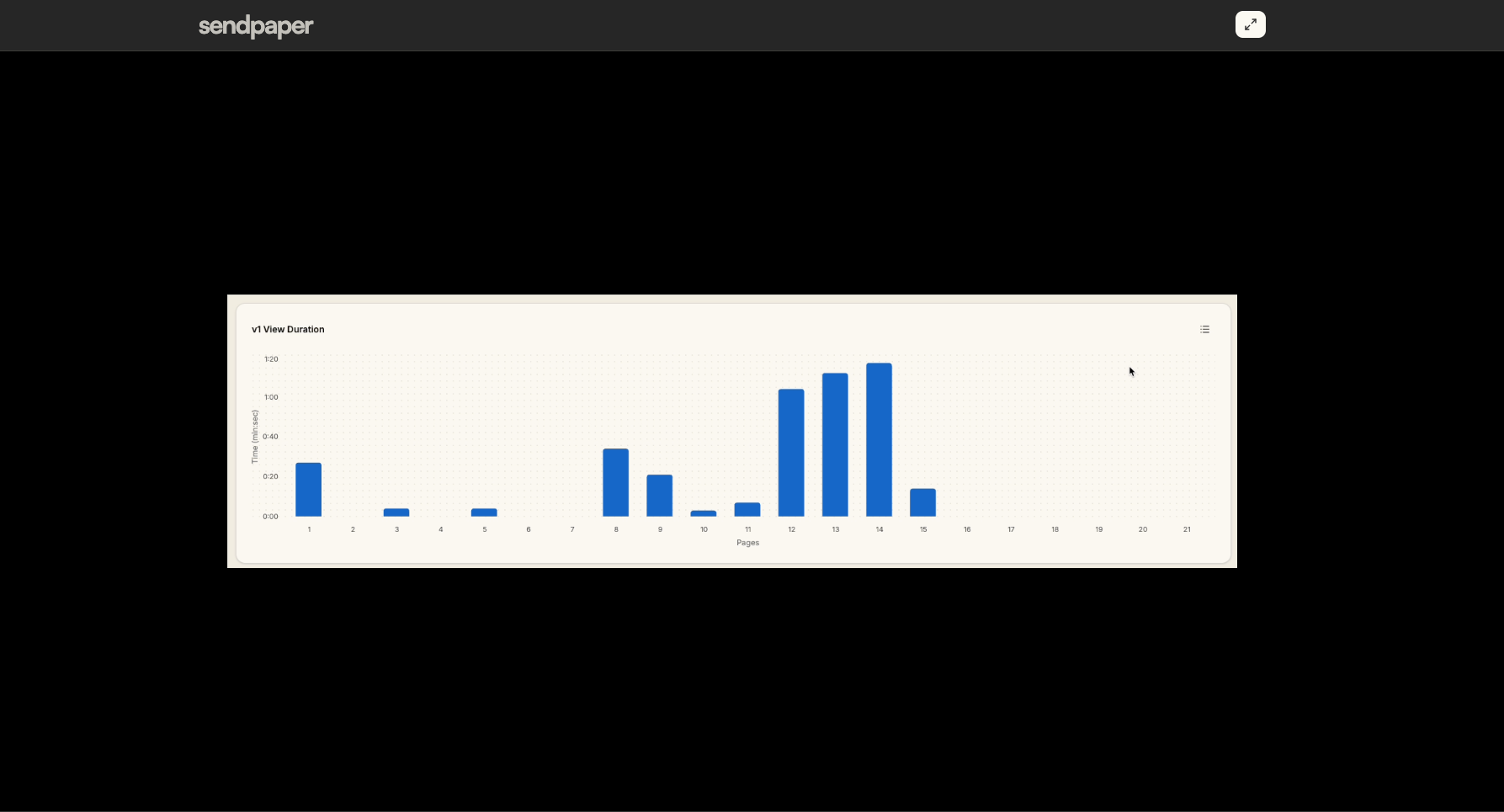
Audio preview and tracking inside the secure Sendpaper viewer.
Plan summary (same as in the app)
- Free: PDF only for documents; XLS, XLSX, CSV, ODS for spreadsheets (no XLSM); no presentations; PNG, JPEG for images; no CAD, video, archives, misc, or audio. Notion sync supported.
- Personal Pro: Adds full documents (including Word, ODT, RTF, TXT), XLSM, presentations (PPT, PPTX, ODP), and video. Still no CAD, archives, misc, or audio.
- Advance: Adds CAD (DWG, DXF), archives, and misc (KML, KMZ, MSG). No audio.
- Dataroom Pro and Dataroom Advance: Add audio. Full set of document, spreadsheet, presentation, image, CAD, video, audio, archive, and misc types for data rooms.
File size limits (e.g. for video or documents) also vary by plan; the app shows current limits when you upload.
View pricing for plan details and limits.
Get started with Sendpaper to upload and share your first document, or explore data rooms for due diligence and deal workflows.
Related posts
- Product, GuidesData Room Groups: One Place for Permissions and Analytics | SendpaperUse data room groups in Sendpaper to manage permissions and analytics for investors, buyers, and teams. Create a group once, reuse it on links, and see group-level activity without spreadsheets.
- Product, GuidesHow Sendpaper renders files as images in the viewer (and why it matters) | SendpaperLearn how Sendpaper converts uploaded PDFs into page images for a fast, consistent viewer. We cover what formats can be shown, what processing means, and why a loader appears.
- Product, SecuritySecure PDF Document Sharing: Watermarking, Screenshot Protection, View-Only | SendpaperShare PDFs securely with watermarking, screenshot protection, view-only, and one-click agreement. Password and access control in Share Link and Access Control. One sidebar, all options.