They sign once, then they can view.

Single-click NDA. Your agreement, one click.

Add your NDA and attach it to a document link or a dataroom link. When someone opens the link, they accept with one click. You get a signed record. No forms, no dragging fields around.

No credit card required.

What you get with single-click NDA.

01 feature folder

One-click sign

They see the agreement and click once to accept. No forms to fill out or signature fields to place.

02 feature folder

Custom agreement

Use your own NDA or agreement. Upload it once and your wording and branding stay as you wrote them.

03 feature folder

Gate before view

They have to accept before they see anything. Works the same on a document link or a dataroom link.

04 feature folder

Signed record

You see who accepted and when. Handy for compliance and for knowing who actually signed.

05 feature folder

Per-link control

Attach the agreement to the links you want. Dataroom or document link. The rest stay as normal.

06 feature folder

Dataroom or document link

Same flow for both. One file or a whole folder. Attach your agreement and you're done.

07 feature folder

Legal protection

They see your agreement and we record that they accepted. You get a clear record when you share confidential stuff.

08 feature folder

One-time setup

Upload your NDA once. Then attach it to any link when you need it. No redoing the setup every time.

How single-click NDA works

You add your agreement and attach it to a link. They open the link, click once to accept, then see the content. You get a record of who signed and when.

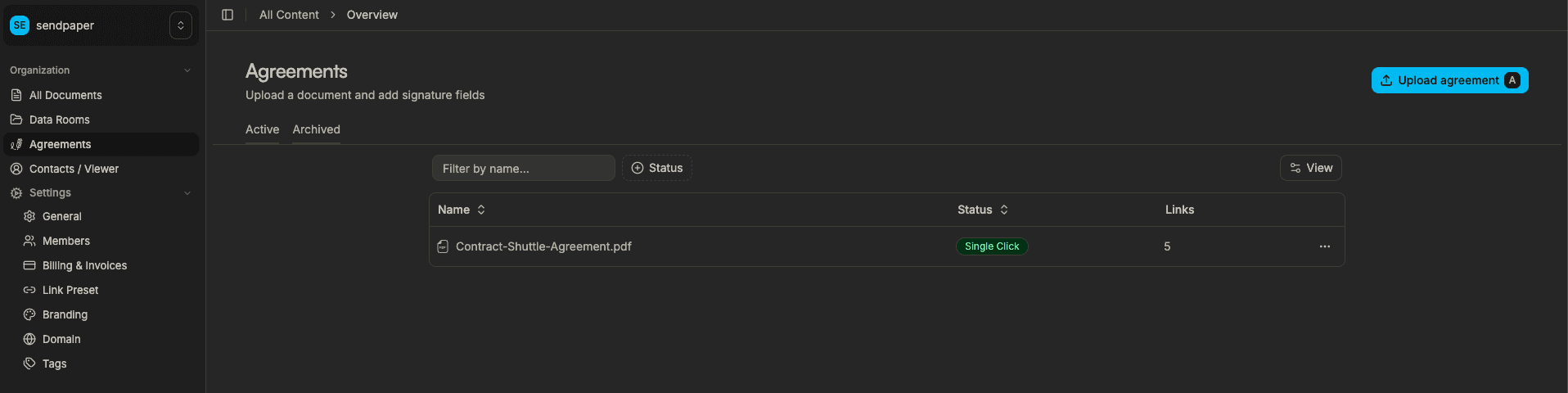
Create agreement page

1. Add your agreement, then attach it to a document link or dataroom link

  • Upload your NDA or agreement document.
  • Attach the agreement to a document link or a dataroom link. Anyone who opens that link has to sign before they see the content.
  • Optionally add password, expiry, and other protections.
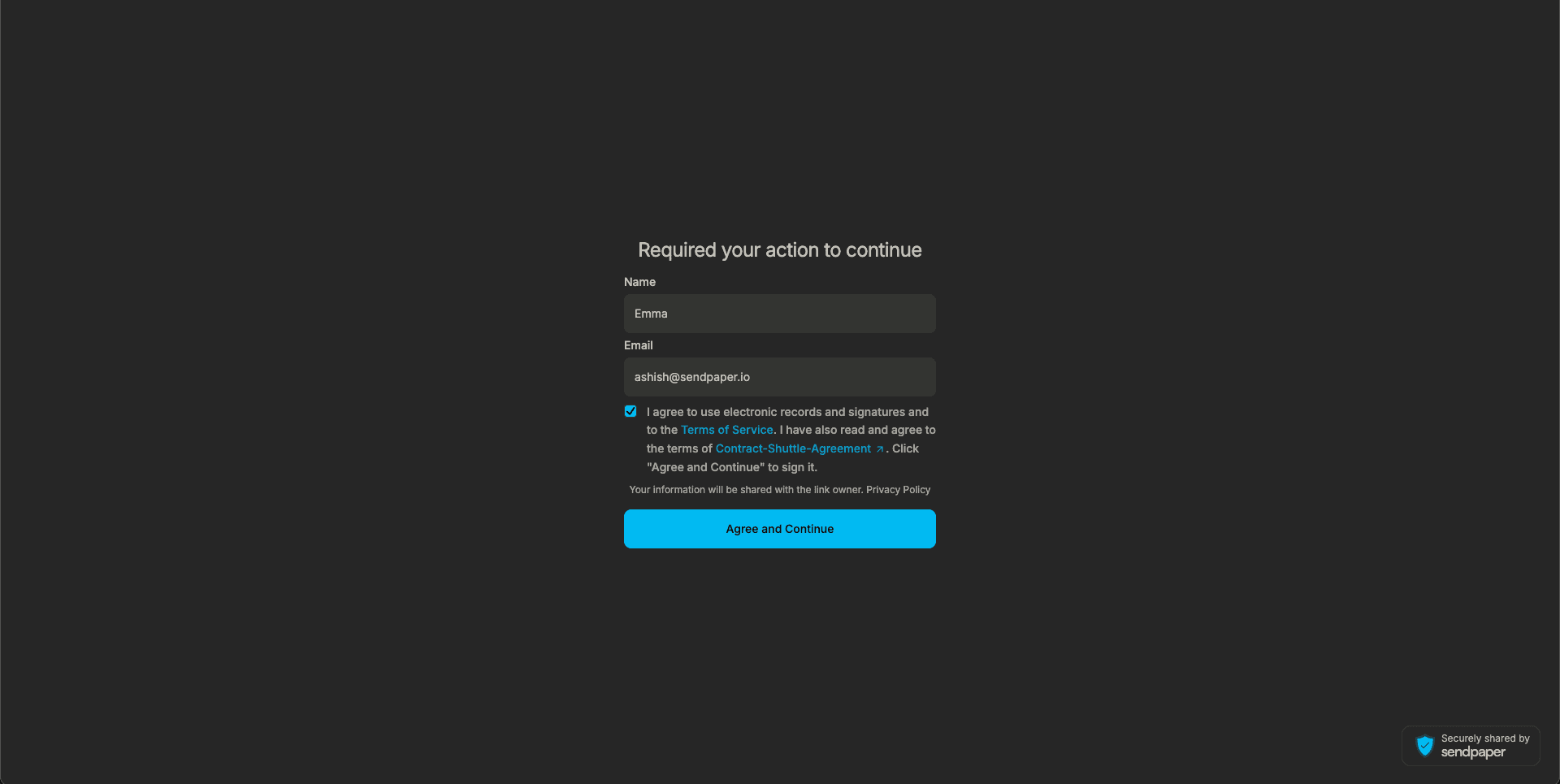
One-click agreement accept screen

2. They sign with one click

  • When someone opens the link, they see the agreement and click once to accept.
  • No forms or signature fields. Just one click.
  • Then they can see the content.
Agreement badge in links table

3. You get a record

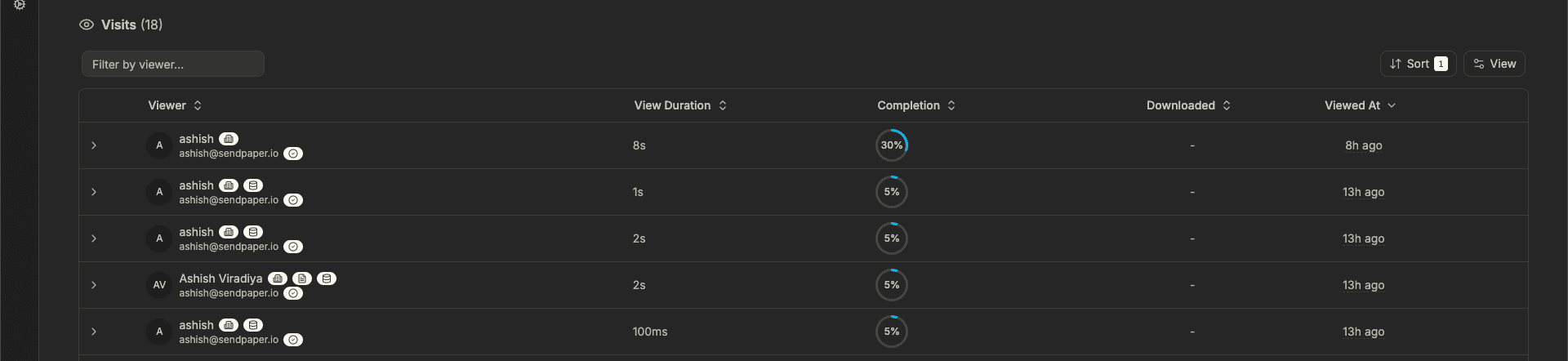
  • You see who accepted and when in your dashboard.
  • In data rooms, it's all in the audit log so you have a clear trail.
  • Content stays behind the agreement until they've signed.

Ready to get your NDA signed before anyone sees the content?

Benefits of single-click NDA

Faster than traditional e-sign

No dragging signature fields or waiting for multiple steps. One click and they're in. Handy for due diligence and fundraising when you need a signed agreement before you share.

Your agreement, your terms

Your NDA, your wording. We show it and record that they accepted. You keep full control over the legal text and branding.

Audit trail and compliance

You see who accepted and when. In data rooms, it's all in the audit log so you have a clear record when you need it.

Frequently Asked Questions

What is a One-Click NDA?

A One-Click NDA is a frictionless, enterprise-grade security gateway for your sensitive documents. It requires viewers to legally agree to your confidentiality terms with a single click before they can view your files. It eliminates the hassle of back-and-forth emails and DocuSign links, allowing you to close deals and share information faster without sacrificing legal protection.

How does One-Click NDA actually protect my intellectual property?

It enforces a strict "Sign-to-View" policy. Your documents remain fully encrypted and inaccessible until the recipient explicitly agrees to your terms. Once accepted, it creates a legally binding contract, protecting your IP, financials, and proprietary data from unauthorized sharing or disclosure.

Is a One-Click NDA legally binding and enforceable?

Absolutely. Our One-Click NDA is fully compliant with major global electronic signature laws, including the ESIGN Act, UETA, and eIDAS. To ensure undeniable enforceability, we go a step further than standard agreements by capturing the viewer's IP address, device information, and a precise timestamp the moment they click "Accept."

Can I use my own legal terms and customize the NDA?

Yes, you have total control. You can upload your company's custom NDA, link to your standard online terms, or use one of our lawyer-approved, built-in templates. You dictate the exact rules of engagement before anyone sees your data.

How do I track who has signed my NDA?

Through our comprehensive Audit Logs. You don't just see who clicked "accept." You get real-time email notifications, detailed analytics on when they signed, their IP address, and how long they spent viewing your documents afterward. You always have a courtroom-ready paper trail.

Can I gate entire Data Rooms with a single NDA?

Yes! Streamline your fundraising, M&A, or due diligence processes. You can apply a global One-Click NDA to an entire Data Room. Your investors or partners sign exactly once and instantly gain access to the secure files you've approved for them.

What happens if a viewer refuses to accept the NDA?

Our Zero-Trust architecture kicks in. If they decline the terms, the documents remain firmly locked. They cannot view, download, or access a single page of your sensitive material.

Once they sign the NDA, can they download and share my documents?

You remain in absolute control. Accepting the NDA only grants viewing access by default. You can strictly disable downloads, or, if you choose to allow them, you can enable Dynamic Watermarking, which automatically stamps the viewer's email address and IP across the document pages to prevent leaks.

Can I revoke access after they have signed the NDA?

Yes. Unlike traditional PDF attachments, you retain complete control of your documents even after the NDA is signed. If a deal falls through or an employee leaves, you can instantly revoke their access with one click, immediately locking them out of the files.

Get early access

Get your NDA signed with one click before anyone sees the content.