
1. Add a single document or use in a data room
- Upload a document to share via link, or use a data room.
- Same control whether you share one file or a full room.
Prevent screenshots and screen capture of sensitive content.
Block screenshots, screen recording, and content extraction via dev tools. When viewers switch tabs or try to capture the screen, your document stays protected. Use with audit logs for compliance and visibility.
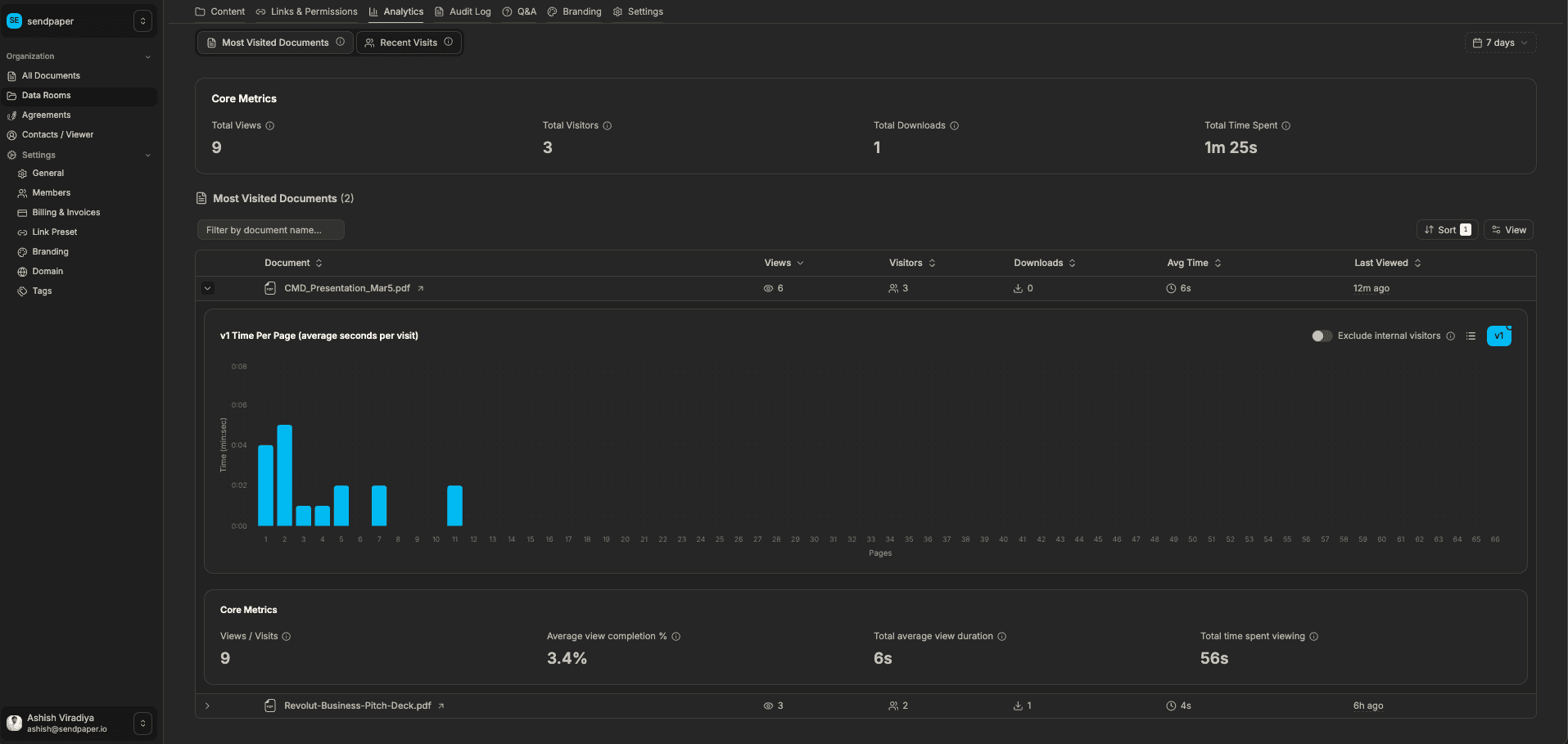
Add a doc or data room, enable protection, and get analytics (plus audit log in data rooms).
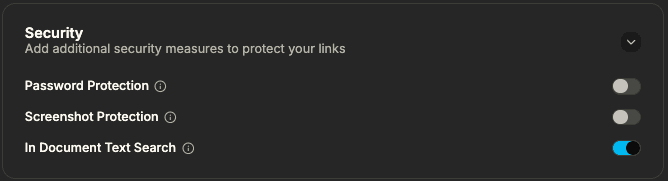
Blocking screenshots and capture makes it harder for viewers to take content out of the secure viewer. Combined with watermarks and audit logs, you have multiple layers of protection.
Protection applies when viewers try screenshots, screen recording, dev tools, or tab switching. You get broad coverage against common capture methods.
Use with full audit trails so you know who accessed what and when. Supports compliance requirements and investigations without sacrificing viewer experience for legitimate use.
Related solutions and product pages
Screenshot protection tries to prevent viewers from capturing your document via screenshots, screen recording, or copying content through developer tools. When enabled, the viewer experience is designed so that capture attempts are blocked or the content is protected.
Yes. Viewers can read and scroll the document normally. Protection focuses on blocking capture and extraction, not on preventing legitimate viewing within the secure viewer.
When a viewer switches to another tab or app, the document view can be protected so that content is not left in a state that is easy to capture. This adds a layer of protection on top of blocking direct screenshots.
Yes. Screenshot protection works alongside full audit logging. You can see who accessed the document and when, which supports compliance and investigations even when capture is blocked.
Keep sensitive documents protected from screenshots and capture.